A dash cam is the only gadget you buy hoping never to need — which is exactly why it gets neglected. It sits on the glass, presumably doing its job, until the day you check and discover the card died in March, the clock is an hour out, and the lens has been filming through a film of grime. Five minutes a month prevents all of it. Here's the routine, plus fixes for the faults every owner eventually meets.
The five-minute monthly routine
- Watch thirty seconds of recent footage on the screen or app. This single habit catches 90% of silent failures: misaimed lens, dead card, corrupted files, stopped recording.
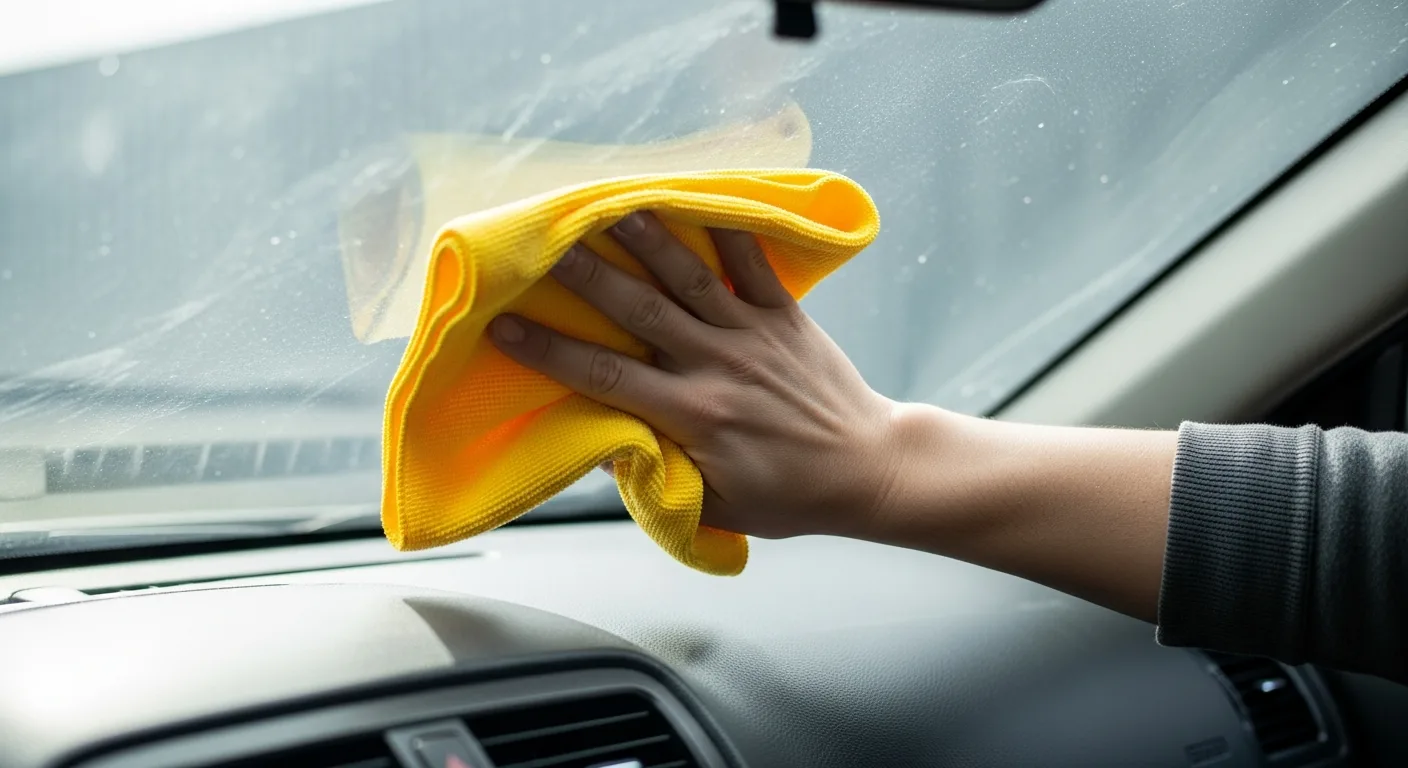
- Clean the lens with a microfibre cloth, and the windscreen patch in front of it — inside and out. Haze on the inside of the glass quietly ruins night footage first.
- Check the clock, especially after BST changes. A wrong timestamp is the classic way good evidence gets undermined. GPS-equipped cameras usually sync time automatically — verify rather than assume.
- Format the memory card in the camera (not in a computer). In-camera formatting keeps the file system exactly as the firmware expects and clears fragmentation. Save anything you want first — formatting erases protected clips too.
- Check the mount for creep — adhesive pads and suction cups both relax over time, and a drooping camera films bonnet, not road.
Firmware: the update people never do
Dash cam firmware fixes real things: card-compatibility bugs, exposure tuning, parking-mode behaviour, app-pairing gremlins. Manufacturers publish updates on their support pages and through their apps; on connected cameras it's typically a prompt, on others a file copied to the card. Check quarterly. Two rules: download firmware only from the manufacturer, and never cut power mid-update — do it parked, on a healthy power source.
Heat, cold and where the camera lives
- Summer: a windscreen unit sits in a greenhouse. Quality cameras use supercapacitors instead of lithium batteries precisely for heat tolerance — one reason serious brands went that route. Parking in shade helps the electronics and your card.
- Winter: cold slows electronics and saps any internal battery. If the camera misbehaves on frosty mornings, let the cabin warm and it usually recovers; persistent cold-weather resets suggest a failing card or loose power connection.
- If the car sits for weeks, remember a hardwired camera in parking mode will bow out when the voltage cut-off says so — that's the battery protection working, not a fault.
Troubleshooting the classics
"Camera keeps restarting" or freezes
Nine times out of ten: the card. Format in-camera; if it recurs, replace with a proper high-endurance card — worn or counterfeit cards produce exactly this. The tenth time: loose power plug or a failing socket adapter.
"Card error" / "insert SD card"
Re-seat the card, check the write-lock isn't triggered on the adapter, format in-camera. Recurring errors on a known-good card mean the card is dying; on multiple cards, the slot — contact support.
Footage suddenly grainy or soft
Almost always dirt: lens, or the glass in front of it (inside surface included). Next suspects: a polarising filter rotated out of position, or a resolution setting knocked in a menu visit.
Gaps in the loop
A card full of protected clips leaves no room for the loop. Review and clear protected files, and turn G-sensor sensitivity down a notch if every pothole locks a clip — settings covered in the parking mode guide.
App won't connect
The eternal trio: camera Wi-Fi not in pairing mode, phone clinging to another network, stale app version. Reboot both, update the app, re-pair from scratch. Do this at home — not for the first time at a roadside.
Mount fell off
Clean the glass with alcohol, warm both surfaces, apply a fresh 3M pad (spares ship with better cameras) and give it 24 hours before hanging the camera on it. Proper technique is in the fitting guide.
When to replace instead of fix
Cards are consumables — expect to retire one every couple of years of daily loop recording. The camera itself is longer-lived, but failing capacitors (won't hold settings, dies instantly without external power) and sensor degradation on a unit that's baked through many summers are honest end-of-life signs. If a five-year-old budget unit is misbehaving, the repair-vs-replace maths usually favours the current mid-range, which will outperform it in every dimension anyway.
The short version
- Monthly: watch a clip, clean lens and glass, check the clock, format the card in-camera, prod the mount.
- Quarterly: firmware check.
- Every couple of years: fresh high-endurance card.
- Most faults are the card, the glass, or power — in that order.
A dash cam only has to work on one day. The routine above is how you make sure that day isn't the one it chose to die quietly.